
TLDR:
This year I migrated from proxmox on HDD to SSD, But full disk clone didn’t work. So I use cluster function insted; it work but not great.
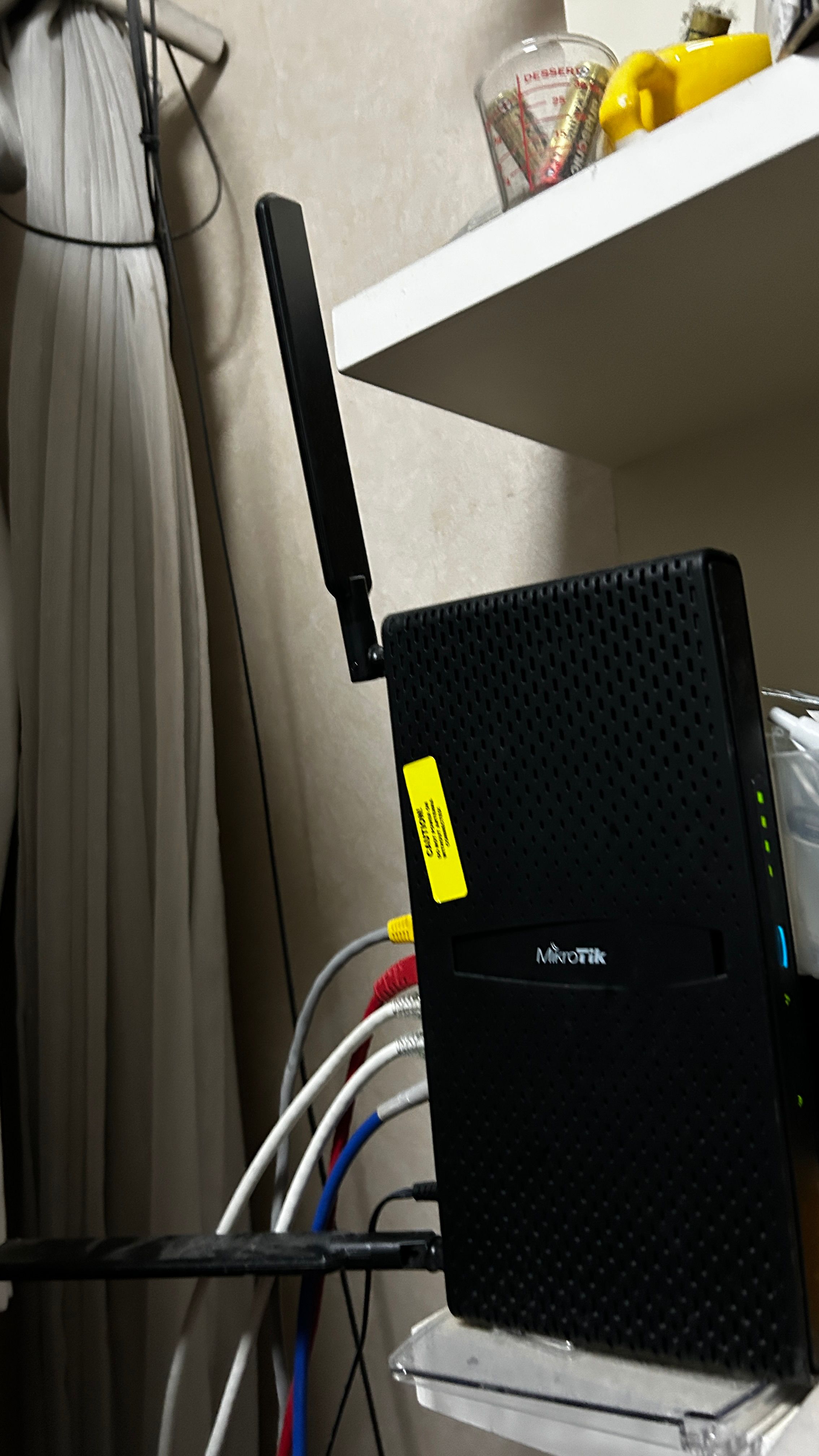
It been nearly a year for my homelabs system that manage my own homelab, So let get started. Starting with networking. my hAP ax³ still running fine as my access gateway and VPN server using mikrotik back to home vpn to access my internal network.
Hosting
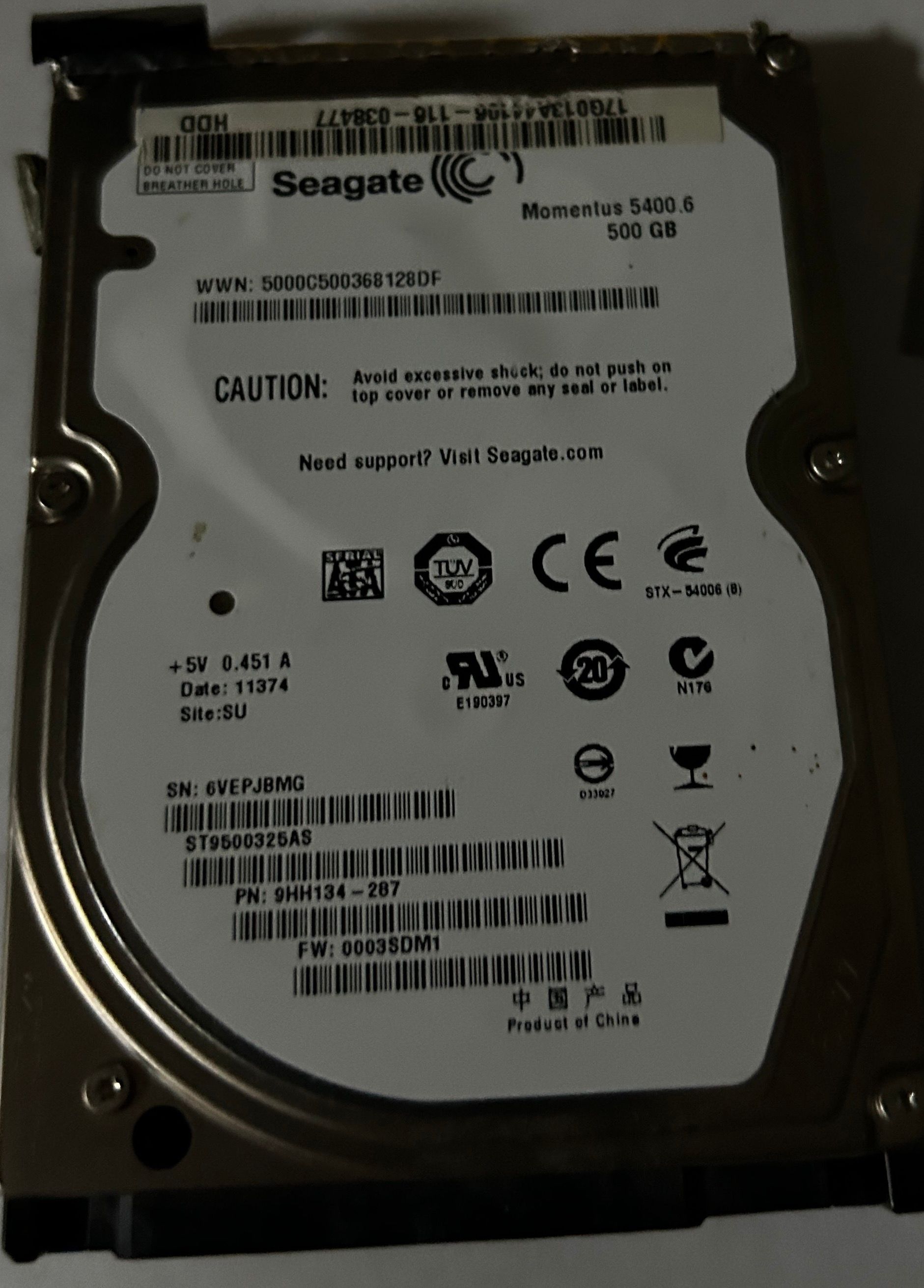
About in September ,my server just got a major migration from HDD to SSD. It was very painful, as I found out that during the full disk clone and disk explanation, the program found out that it had a bad sector affecting the hypervisor and VM. So I came up with an idea: reviving an Intel i7 Gen 1 notebook to be a migration server following my experience during my internship where most of the company’s customers needed VM migration, so they brought the company migration server to be a migration server before migrating to a new server.
|
|---|
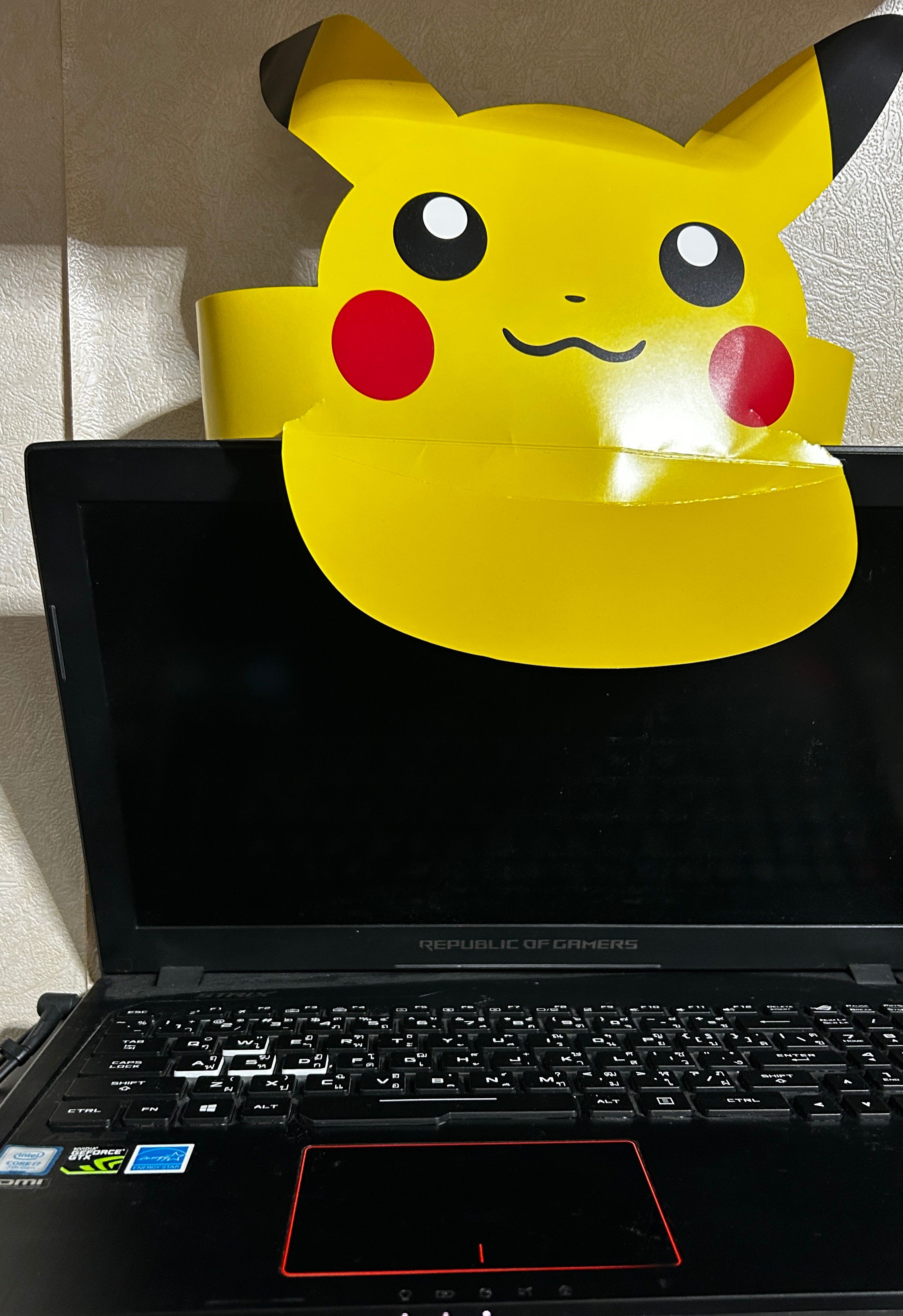
| my server, An ASUS ROG GLXXX (i forgot) |
|
| Thank you for your service since born of this notebook |
Problem during migration
As I found out, a bad sector was causing the HDD to be unable to migrate. So I tried host migration using the network. Still, I found the problem! But sometimes the VM file had already migrated, but the config was not following. Because it aborted before moving the config. So I did some walking around in the Proxmox directory. As I found out, every node in the cluster that made it join to migrate would have each other’s config. So I did a simple task by moving the file to the current node folder. And boom! It did boot for some, and some died.
full disk clone -> sector check fail -> make cluster using both old notebook -> migration -> sector check fail -> brute force -> only vm data -> mv file -> done!
The Result
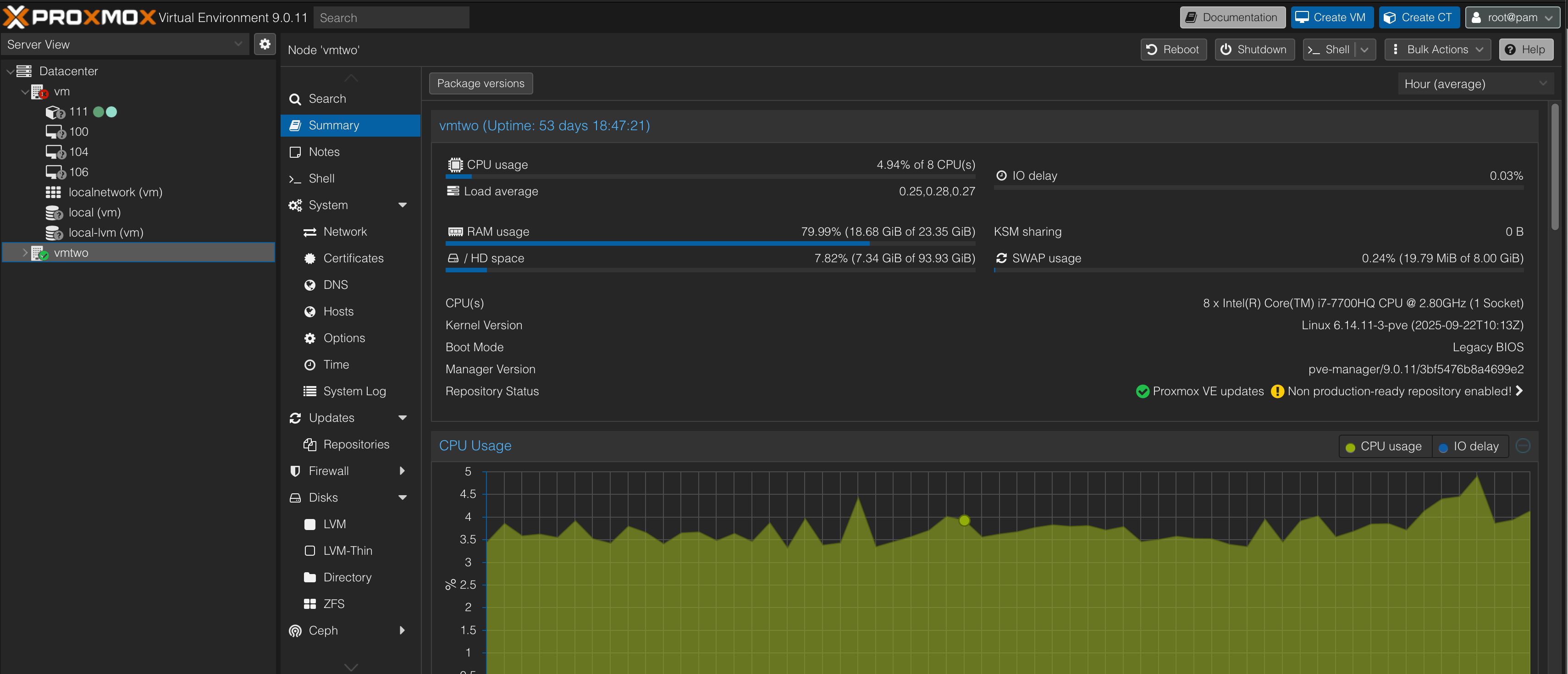
Network Diagram
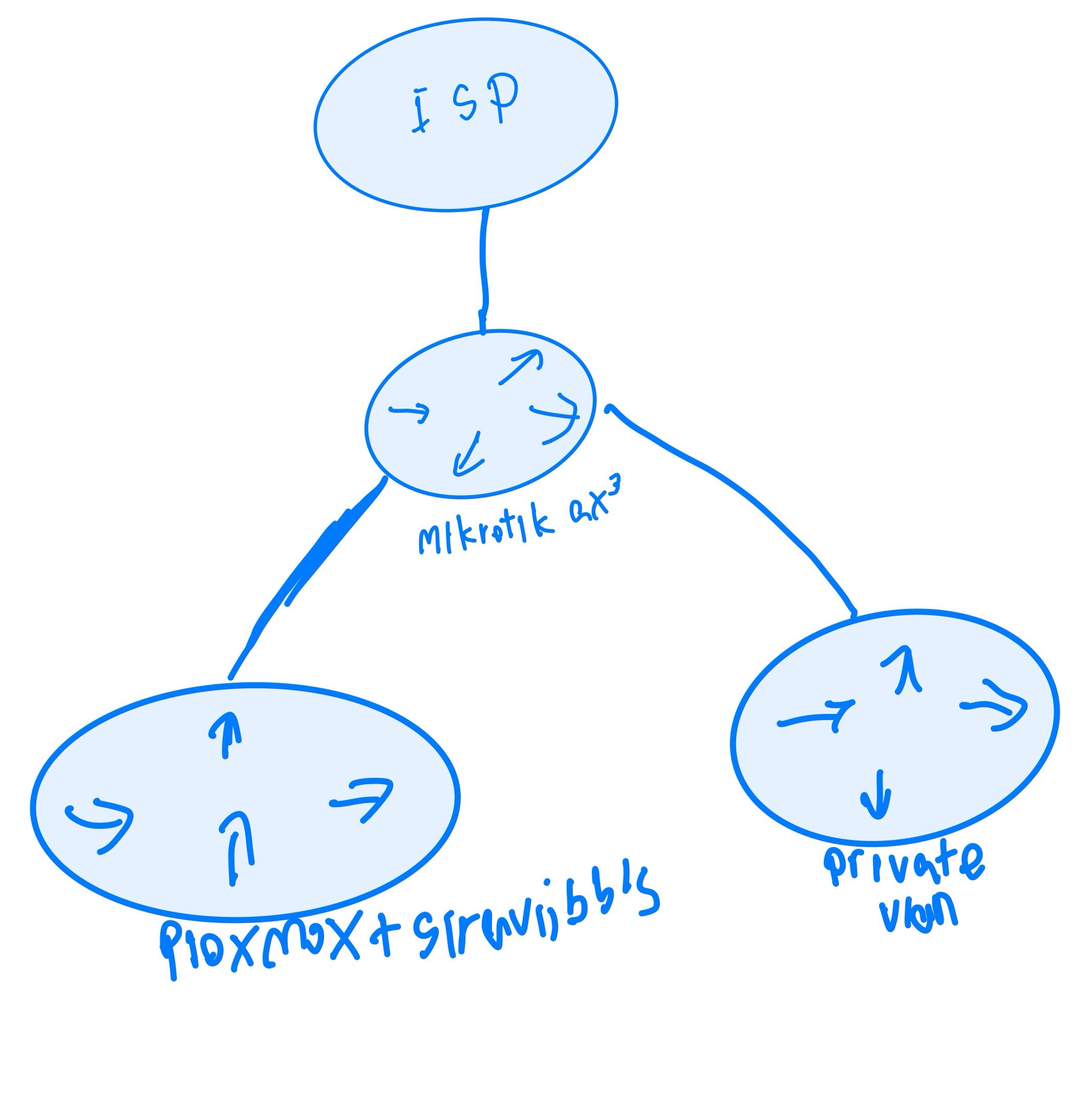
So in the future, I think I would let Proxmox run on its own VLAN. But right now, it’s alright to live with myown network.
Future
With SDN of Proxmox, I think I will put pfSense on my VM system so I can experiment some security.